



Inventory POS App
Role-aware dashboards, inventory controls, POS workflows, and operational states.
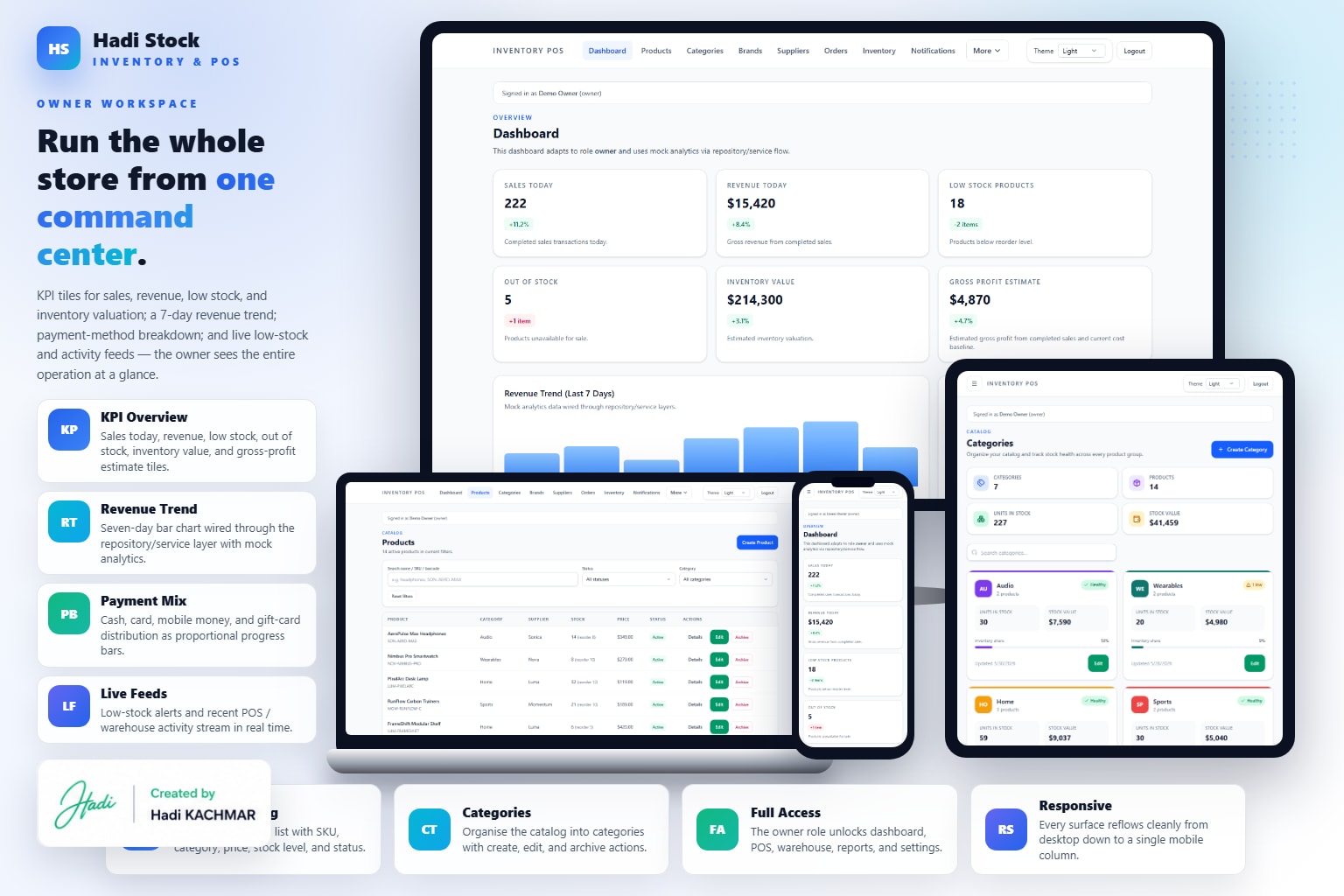
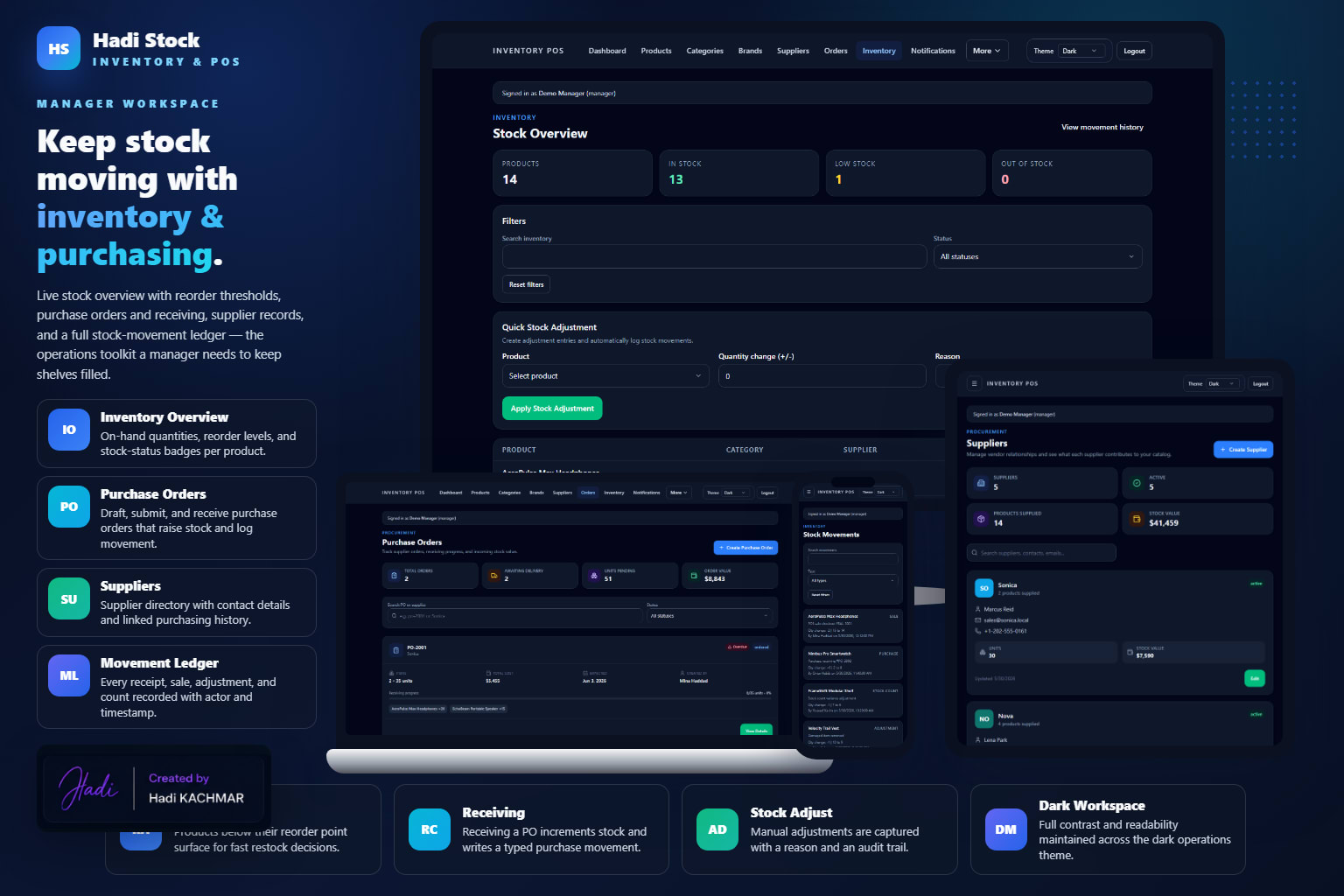
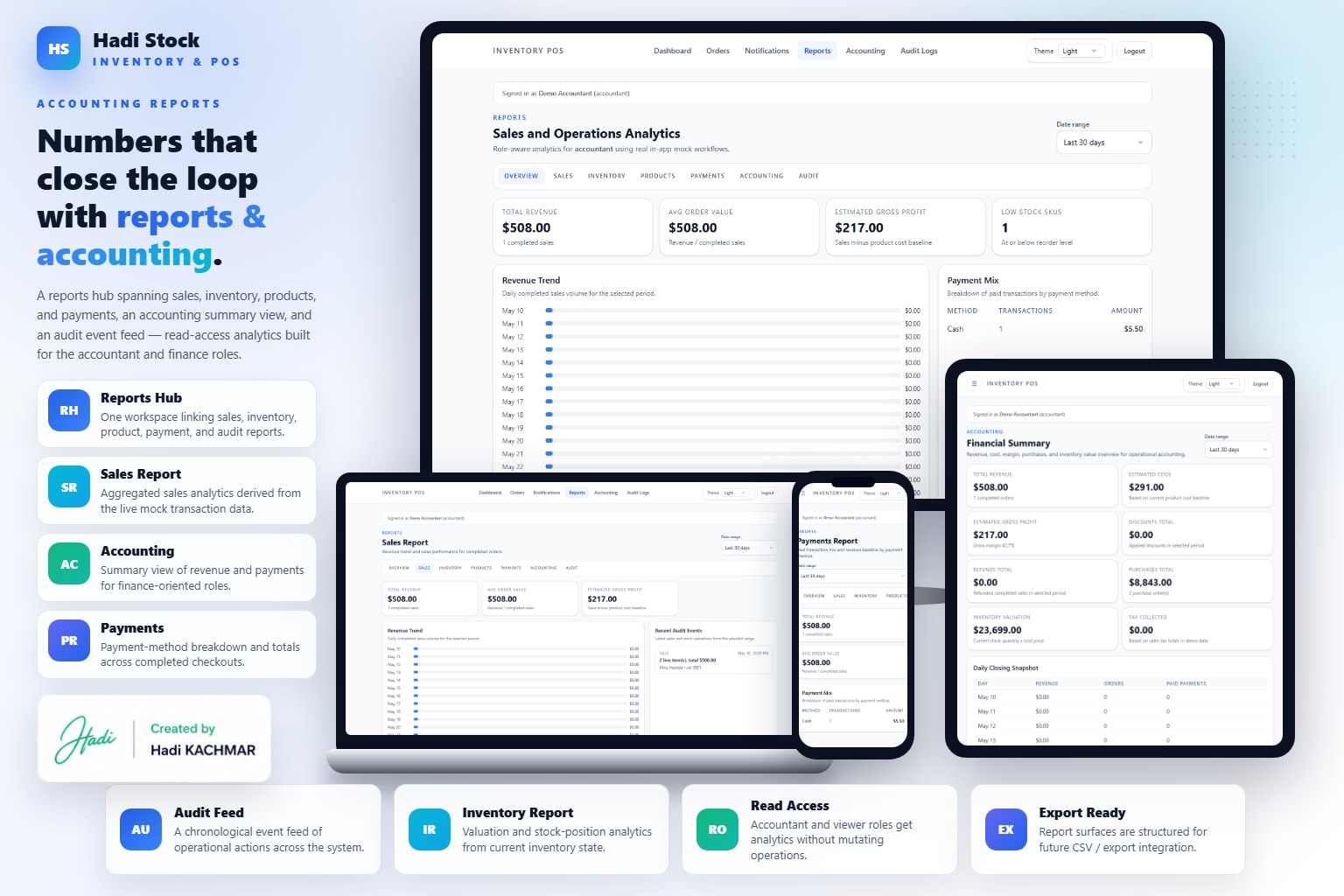
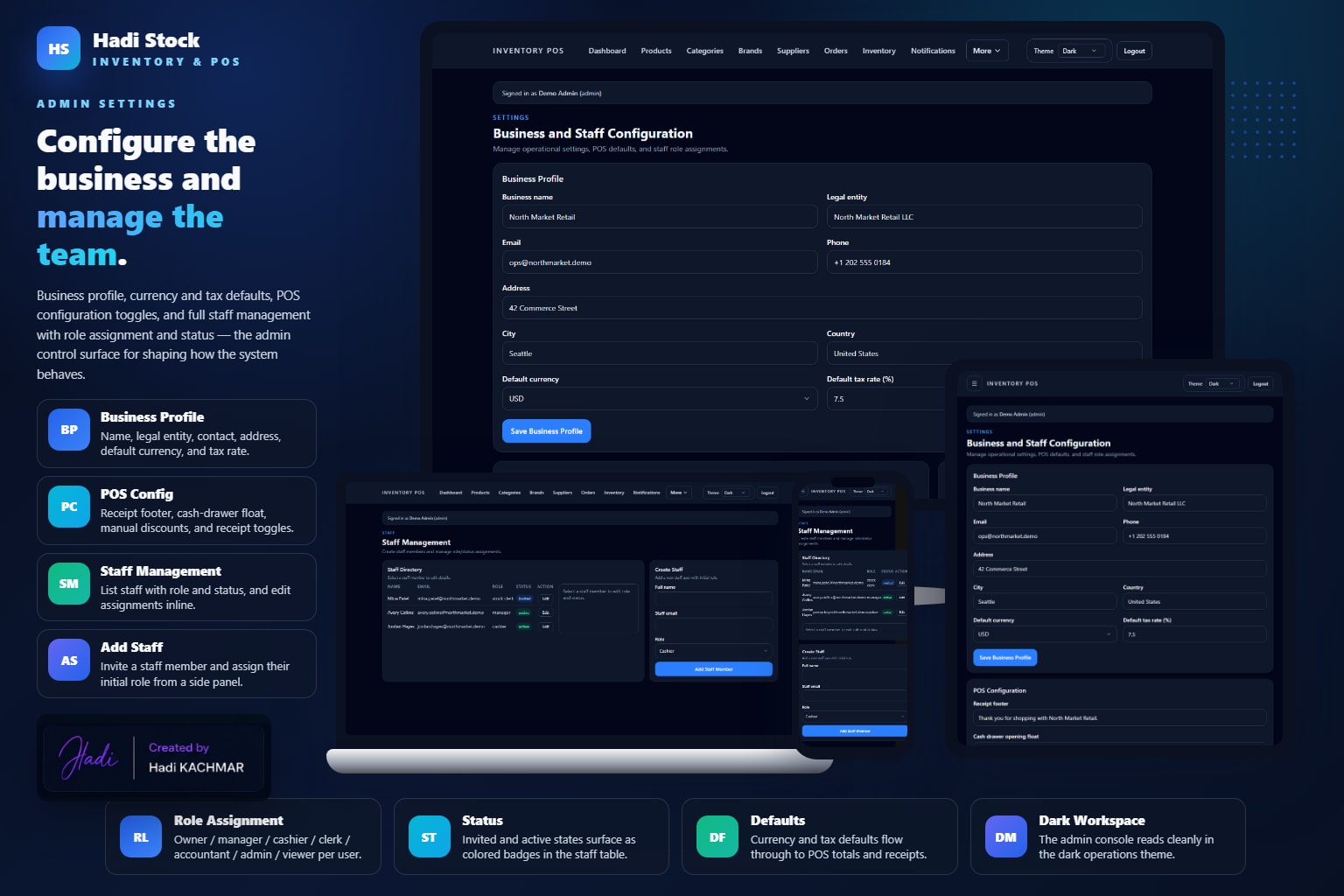
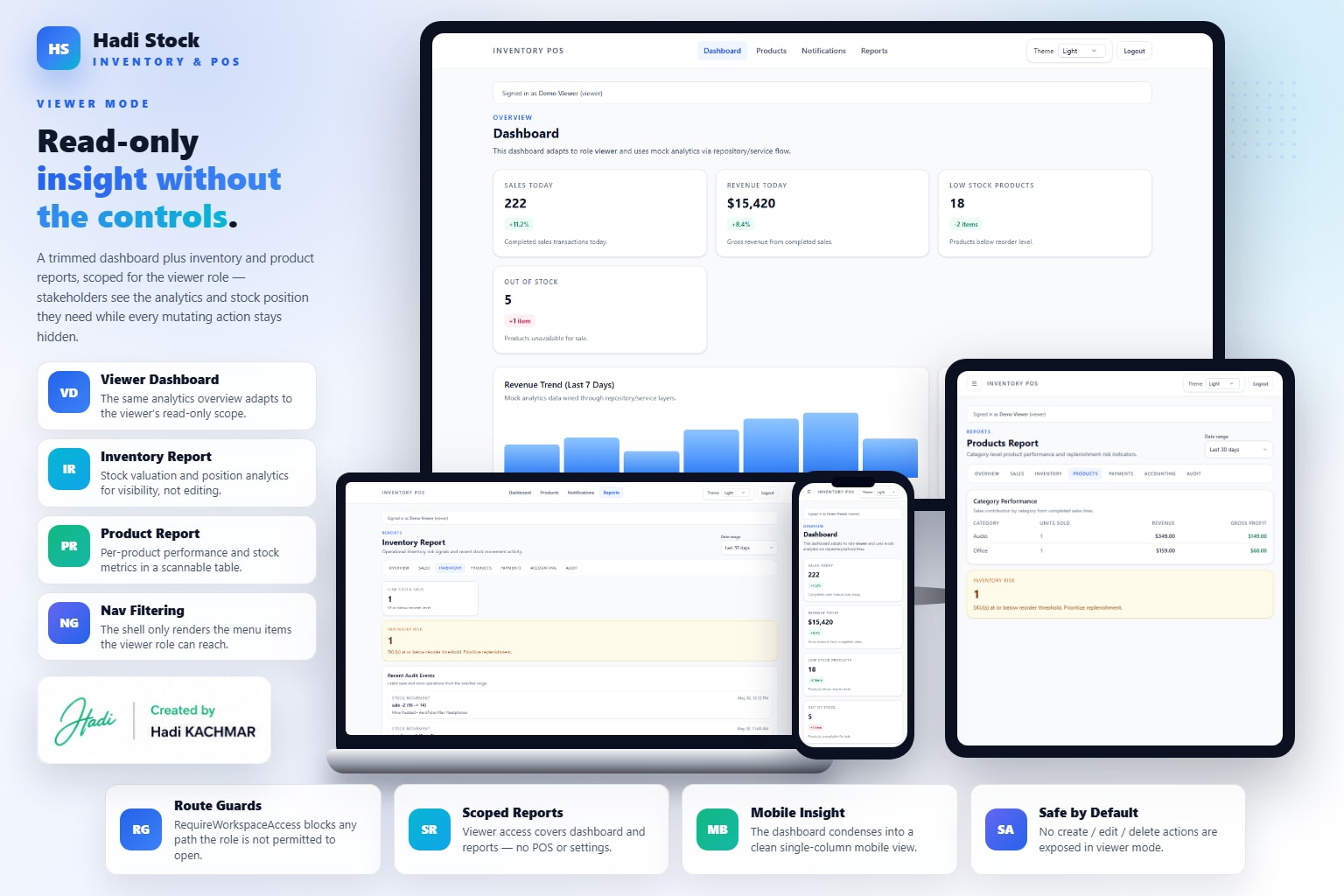
A role-based stock and point-of-sale system for small business operations. The app includes onboarding, login, forgot password, role selection, role-aware navigation, dashboard analytics, products CRUD and archival, categories CRUD, suppliers CRUD, inventory overview, stock adjustments, stock movement log, purchase order creation and receiving, POS cart and checkout, sales history, sale details, payments, reports analytics, audit feed, warehouse receiving queue, stock counts, transfer lifecycle actions, low-stock watchlist, business settings, POS configuration, and staff management.
- Roles include owner, manager, cashier, stock clerk, accountant, admin, and viewer, each with different workspace visibility.
- Inventory domain covers products, categories, suppliers, inventory overview, stock adjustments, and movement history.
- Purchasing domain covers purchase order creation, purchase order details, receiving, and stock increases.
- POS domain covers checkout, sales history, sale details, payments, and stock-decreasing sales.
- Warehouse domain covers receiving queues, stock count adjustment, transfer approval/start/complete/cancel, low-stock watchlist, and movement feed.
- Settings cover business profile, POS defaults, and staff role assignments.
Access And Roles
- Guest routes include onboarding entry, login, and forgot-password placeholder.
- Authenticated users select or switch roles before entering the workspace.
- Owner has full access to dashboard, POS, warehouse, reports, settings, and management actions.
- Manager, cashier, stock clerk, accountant, admin, and viewer roles expose different route sets and action capabilities.
Inventory Control
- Products include list, create, details, edit, and archival behavior.
- Categories and suppliers include CRUD-style management routes.
- Inventory route gives stock overview and adjustment controls.
- Stock movement route records changes across receiving, POS checkout, and stock counts.
Purchasing And Warehouse
- Purchase order routes include list, create, detail, and receiving workflows.
- Receiving increases stock and logs stock movement.
- Warehouse workspace includes receiving queue, stock count adjustments, transfer lifecycle execution, low-stock watchlist, and movement feed.
- Transfer lifecycle covers approve, start, complete, and cancel actions, with per-location stock ledger planned later.
POS And Sales
- POS route gives cashier-enabled roles a cart and checkout surface.
- Checkout decreases stock, creates a sale, creates payment records, and logs movement.
- Sales routes include sales history and dynamic sale details.
- Payments become part of reporting and accounting visibility.
Reports And Settings
- Reports aggregate current sales, payments, movements, and products into analytics and audit feed views.
- Settings include business profile configuration, POS configuration, and staff create/list/edit workflows.
- App shell navigation is role-filtered so each user sees only relevant work areas.
- Known next steps include per-location stock ledgers, dedicated audit pages, brand management, and unauthorized/error-boundary pages.